 Tesla Wrap AI
Your Tesla.
Your idea.
Your next wrap.
Turn an idea or reference image into a digital wrap. Explore ready-made designs, check the layout and make it your own.
Digital vehicle visualization — not physical vinyl or paint.
A better starting point.
Two free tools. No upload to a server. No AI inference in this Space.
01 / Build your wrap prompt
Give the AI a clear direction, then check the result on your exact vehicle template.
02 / Check a wrap PNG
A quick preflight for your file. It checks the basics, not UV compatibility or vehicle acceptance.
Your file details will appear here.
Paint Shop import troubleshooting ↗ · Tesla's file requirements ↗
Find a design worth trying.
Browse all models ↗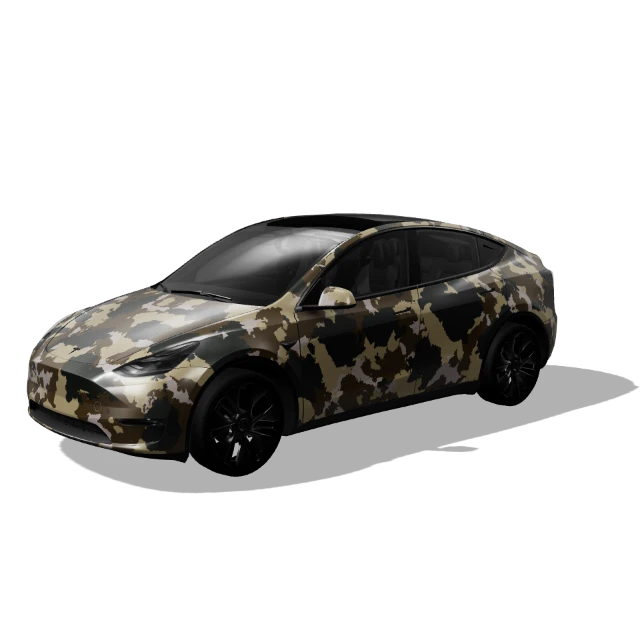
Woodland camo ↗
Original Model Y
Inspect the UV, preview and download.
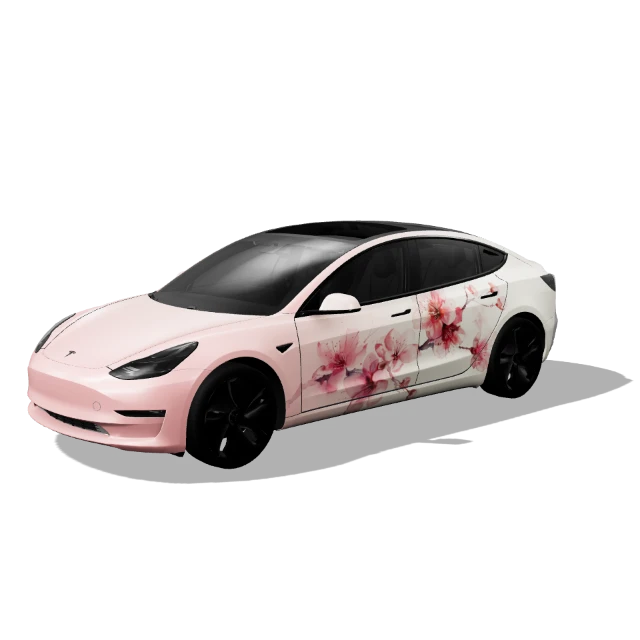
Sakura bloom ↗
Original Model 3
Pink blossoms with a softer palette.
Is this the full AI designer?
This Space offers the prompt builder and local file checker. AI generation, image references, editing, available interactive 3D previews and PNG exports are on teslawrapai.com. Browsing, editing and exporting are free; AI generation uses credits.
Which Tesla should I choose?
Choose the exact generation and variant, not just Model Y or Model 3. The main gallery also includes Cybertruck, Model S and Model X. Matching PNG dimensions alone does not establish compatibility.
How do I use a downloaded design?
Save the actual wrap PNG, not a screenshot of the car. Use the supported app or USB import flow for your vehicle. Follow the phone and USB guide, then inspect the result in Paint Shop.